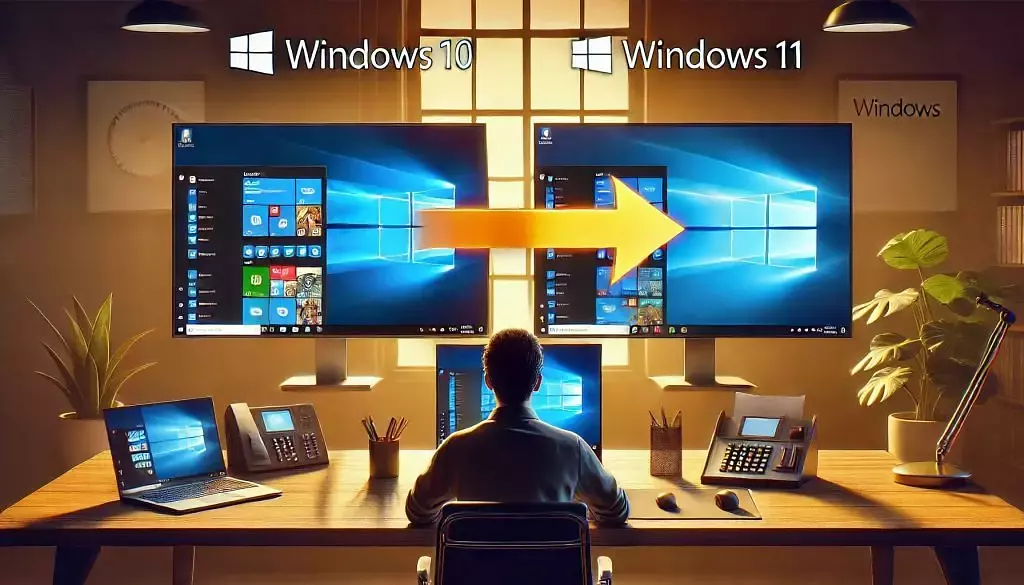
As we approach the end of Windows 10’s lifecycle, organizations must start planning for the next phase of their IT infrastructure. Microsoft has announced that support for Windows 10 will officially end on October 14, 2025. This means no more security updates, patches, or feature improvements for the operating system. Although this deadline is several months away, the transition requires planning to ensure your organization avoids operational disruptions.
Here’s what the end of support for Windows 10 means for your organization and how to start preparing now.
What Happens When Windows 10 Support Ends?
When Microsoft stops supporting Windows 10, the operating system will no longer receive:
- Security Updates: This is a critical concern. Without regular patches, your organization’s systems will become vulnerable to new cybersecurity threats, leaving your data and operations exposed to risks.
- Bug Fixes: Any software bugs or performance issues discovered after the end of support will remain unresolved, leading to the possibility of system instability and/or reduced productivity over time.
- Feature Updates: While Windows 10 is stable and mature, no new features will be release for this version of Windows. This means your organization would not have access to enhancements that improve efficiency, security, and user experience.
Basically, continuing to use Windows 10 past its end-of-support date leaves your organization open to security vulnerabilities and performance issues, while newer systems will be better optimized for current and next-generation applications and services.
Why You Should Start Planning Now?
Although October 2025 may seem far off, upgrading an operating system is takes a strategy, especially when it involves multiple users, devices, and critical applications. Here’s why you should begin developing your plan as soon as possible:
- Avoid Waiting Until the Last-Minute: Waiting until the deadline may put your organization in a difficult position, leading to rushed decisions, increased costs, and downtime.
- Compatibility Concerns: Not all legacy software or hardware will automatically be compatible with newer versions of Windows, like Windows 11. Testing your applications allows you to identify potential issues and adjust your accordingly.
- Budgeting: Replacing older systems or upgrading multiple machines across your organization comes with costs. Starting now gives your organization time to properly budget for these types of projects.
Steps to Prepare for the Transition
Here are some important steps to take to ensure your organization is ready for the Windows 10 end of support:
1. Inventory Your Systems
The first step is to audit all the devices in your organization that are currently running Windows 10. Take note of which machines will need upgrading, as well as any software or applications that may require updates or replacements to ensure compatibility with a new operating system.
2. Assess Compatibility with Windows 11
Evaluate your organization’s hardware to determine if it meets the minimum system requirements for Windows 11. Older machines may not be compatible and might need to be replaced. Microsoft has published a list of Windows 11 hardware requirements.
3. Test Key Applications
Before upgrading, test critical applications on Windows 11 to ensure they function properly. If compatibility issues arise, consider updating or replacing software well in advance of the transition.
4. Plan the Rollout
Develop a phased upgrade plan. Begin by upgrading a small number of non-critical devices as a pilot program. This will allow you to identify any challenges. Identifying the challenges will enable you to address them before rolling out the upgrade throughout the organization.
5. Advise Your Employees
Advise your employees of your plan. This will allow them to prepare and understand any changes that may occur due to an upgrade to the new operating system or device changes.
Conclusion
Although October 14, 2025, is months away, being prepared and planning your strategy empowers your organization to make the changes on your timeline and avoids disruption to your operations. MicroAge can help with assessing your systems, developing the strategy and executing the plan. Contact us today.
Share